A notes app for your own voice.
- Say it the moment it shows up. Don't type. Don't organize.
- One recording, many shapes — shaped by the prompts you choose.
- Made to grow with you, year after year.
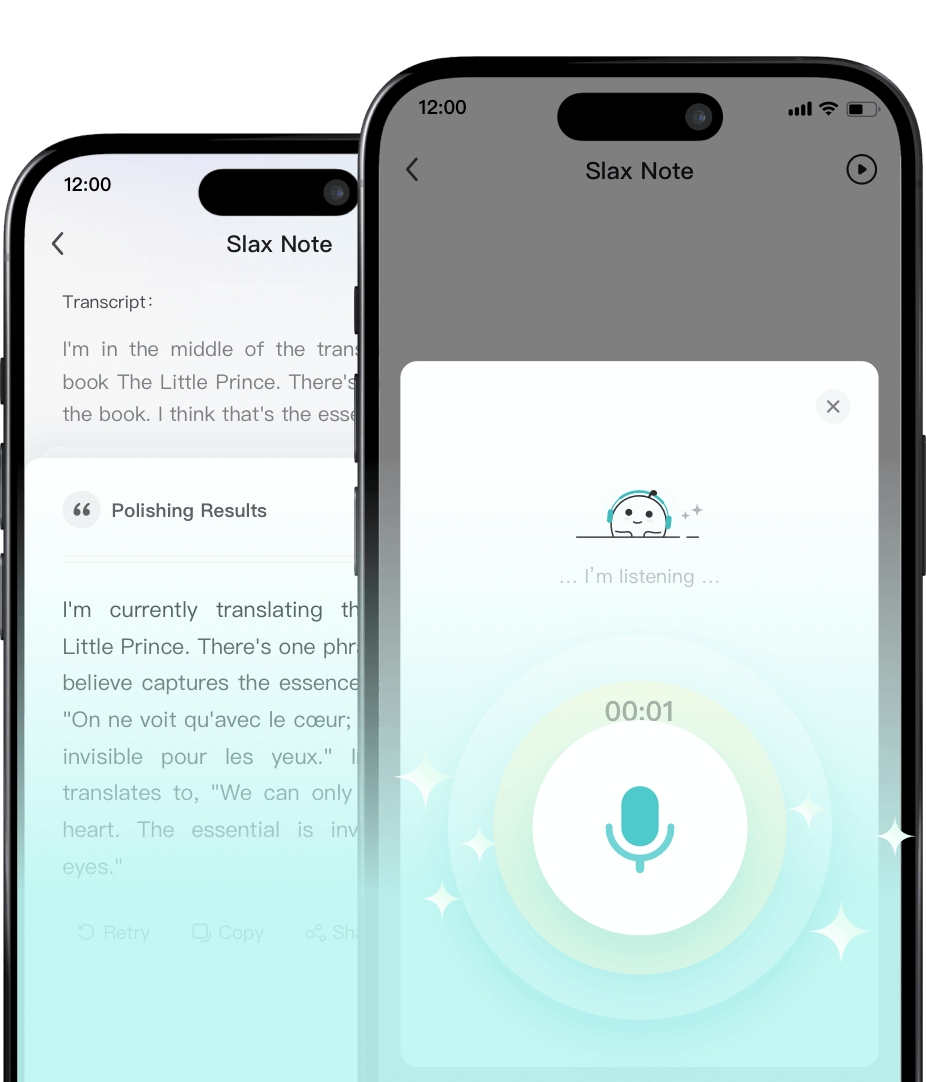
Efficiency Boost
Save your time on what matters.
Intelligent Ghostwriting
Let AI perfect your text with ease.
How are others using Slax Note
Personal voice memos
Seize and save fleeting thoughts during walks or drives. We transform your voice memos into polished and accessible text. Never let any aha moment slip away.
Content Creation
Create content faster and easier than ever. Simply speak your ideas, and Slax Note's AI will generate elegant content in seconds. No typing required!
Schedule organization
Just tell Slax Note your to-dos, and it will help organize your schedule effortlessly, freeing up your time for what truly matters.
Meeting minutes
Wake Slax Note when in a laptop-free meeting, and it will be your AI assistant that records and transcribes the meeting summries.
Learning notes
Your AI study buddy. Open Slax Note to capture lectures you might miss, or practice your presentation and let it generate a polished speech draft with ease.
Loved by thousands of users
Ready to revolutionize your note-taking? Try Slax Note now.
"If you frequently need to write or jot down inspirations, I highly recommend Slax Note. It polishes my spoken content and makes it even more precise than my usual writing."
"This tool is quite elegant. It can help me develop the habit of consistently using it to record my thoughts, which is truly beneficial."
"Slax Note utilizes LLM technology to achieve automatic voice transcription and content refinement. Compared to traditional tools, it removes filler words and disfluencies from spoken language, making output clear and logical that helps users capture and organize their ideas effectively."
"I don't lack content to output, but time to create it. Since using Slax Note, I've saved so much time, which is invaluable to me."
"I'll open Slax Note whether chatting with friends or doing interview. It directly turns conversation into articles without manual record arrangement. Slax Note takes care of everything for me."
"In our family group chat, I often share daily schedules and important matters, and I always use Slax Note to record and organize the plans systematically. This helps our communication stays clear and all my various things are well-arranged."
Pricing
Enjoy early-bird pricing to upgrade your plan.
Lifetime.
- Voice notes5 notes
- AI Polish10 times total
- Recording duration5 minutes
Cancel anytime.
- Voice notesUnlimited
- AI Polish300 times / day
- Recording duration30 minutes
- Polishing qualityPremium version
As low as $4.16/month. Cancel anytime.
- Voice notesUnlimited
- AI Polish300 times / day
- Recording duration30 minutes
- Polishing qualityPremium version
Frequently Asked Questions
Any other questions or suggestions, please contact us on Discord or email us at note@slax.com.
- 01 How to subscribe?
- Visit our app Slax Note, choose your desired subscription plan, and follow the prompts to create an account and complete the payment process. You'll be able to enjoy premium features immediately after subscribing.
- 02 Does it support uploading files?
- Audio file uploads are not supported at the moment, but this feature is planned and will be supported in the future.
- 03 How accurate is the speech-to-text conversion?
- Using advanced AI technology, accuracy is very high. For clear audio input, accuracy can reach over 95%.
- 04 Is there a time limit for recordings?
- Each recording is limited to 30 minutes.
- 05 Can I edit the converted text?
- Yes, converted text is fully editable and supports various text style conversions.
- 06 Where are audio files stored and are they secure?
- All audio recordings are stored locally to ensure user privacy and security.
- 07 How can I export notes?
- Notes can be easily shared to other apps as text or images.
- 08 Does it work offline?
- Recording features work offline, but conversion requires internet connection.
- 09 How to set content in different styles?
- Open the App to start recording, or tap 'Text Note' to input content, which will take you to the automatic refinement page. Here, you can click the 'Default' button on the right to switch between different writing styles. Or freely customize the style you desire.
- 10 Which languages does Slax Note support for speech recognition?
- Currently supports major languages like English, Chinese, German and Japanese, with more languages planned for the future.
Slax Note — Your voice, effortlessly polished.
Free to download, available on iOS and Android.
iPhone, iPad, Android
- Capture ideas with a single tap.
- AI transcription with auto punctuation and style polish.
- Copy or share your notes anywhere, in text or image form.
- Everything syncs across devices.
Never lose an idea again.
Free to download, on iPhone, Android, and the web.